
WebHR
Verge Systems
Apr 10, 2015
98.14 MB
16.63
7.0
50,000+

Description
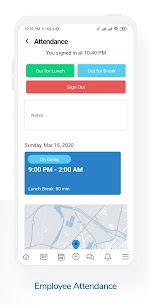
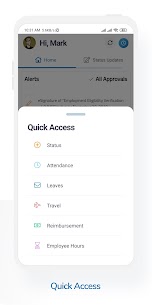
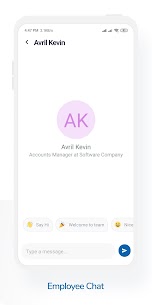
WeHR – Web Human Resource is a Cloud based HR System. WebHR Android is a supporting app for WebHR.
WebHR is an indispensable tool for HR; it is reliable yet affordable application not just for an HR Manager, but for each employee in the organization. WebHR will become an essential tool of Human Resource in the organization and it aims at creating true paperless work environment. WebHR will not only save money to the organizations, but will also boost productivity, save space and make inter and intra-office communications fast, reliable and more efficient.
"WebHR assists in managing the organizations' most important asset – its Human Resource"
WebHR is currently used in over 160 countries world wide by thousands of organizations to manage their HR.
WebHR converts human resources information into a digital format, allowing that information to be added to the knowledge management systems of the organization. The result of this is that HR data can be turned into useful information that can cater the needs of any other department within the organization. In analyzing organization wide resource usage this data can prove valuable. Data related to the time usage of the workforce can enhance the decision making abilities of management, allowing the HR department to form an integral aspect of strategy formation for the organization as a whole.
What's new
Fixed issues causing occasional crashes during checkout.
Optimized app performance for faster load times and smoother
Images


Download links
How to install WebHR?
1. Download the ZIP file.
2. Install the Split APKs Installer application
3. Open the application and click on "Install APKs".
4. Find the folder where the downloaded ZIP is located and select it.
5. Follow the steps that appear on the screen.
Related apps








Most rated apps
Most viewed apps
Best Rated Apps


